How to Download from ardmediathek.de
Download, record and capture video and music from ardmediathek.de
Step by Step Guide on How to Download from ardmediathek.de
Easy instructions on how to download, record and capture high quality video fast from ardmediathek.de.
- Preparation
- Prepare DVR Mode
- Play a ardmediathek.de video in the DVR Browser
- Record the ardmediathek.de video
Preparation
- Download the Jaksta Media Recorder installer.
- Install Jaksta Media Recorder by running the downloaded installer
- Once installed, start Jaksta Media Recorder from the Windows Start Menu
Prepare DVR Mode
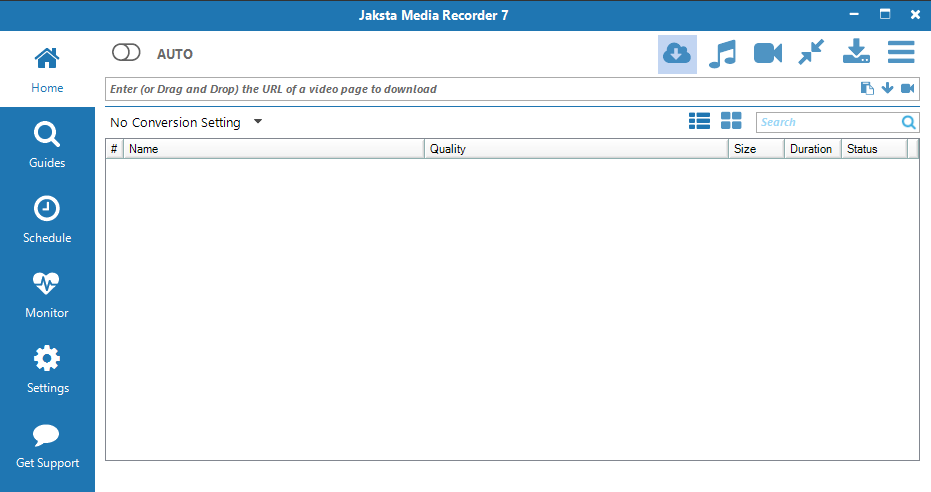
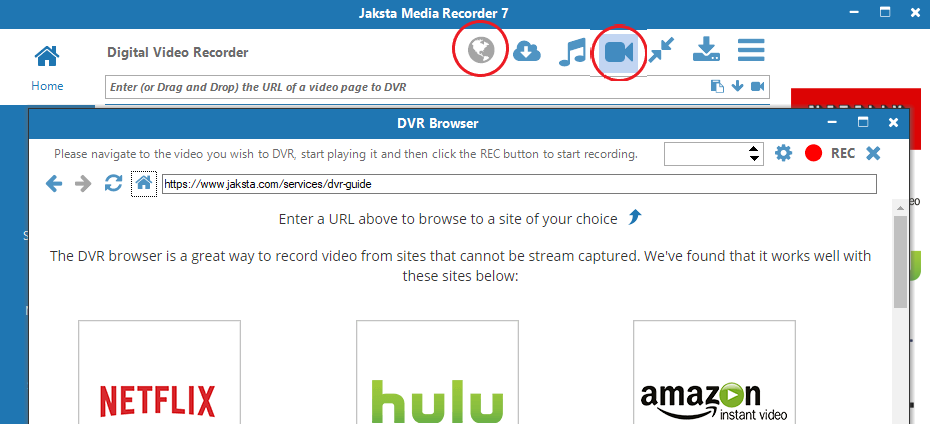
- Ensure the Digital Video Recorder Capture Method is selected to capture ardmediathek.de ;
-
Open the DVR Browser;
Play ardmediathek.de video in the DVR Browser
- Navigate the DVR Browser to ardmediathek.de;
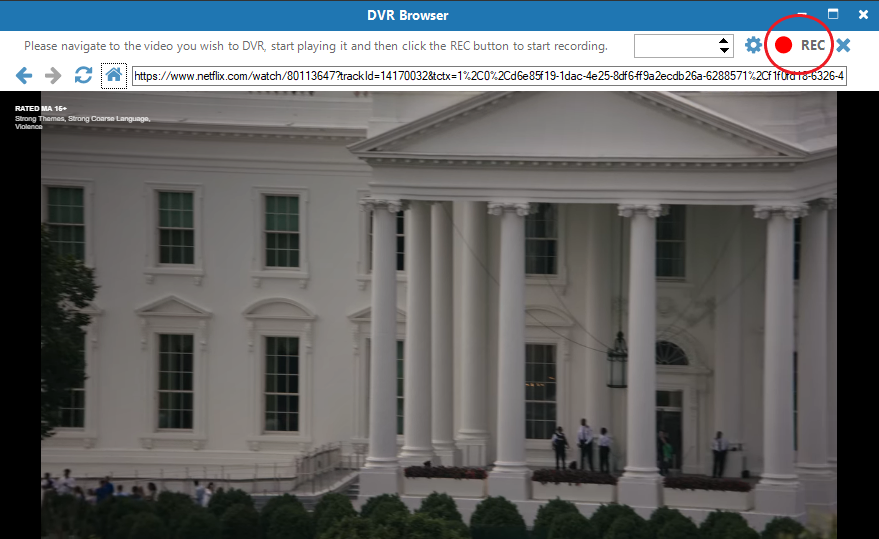
- Play the ardmediathek.de video you want to capture;
Record the ardmediathek.de video
- Once the ardmediathek.de video is playing click the REC button to begin recording ardmediathek.de silently in the background;
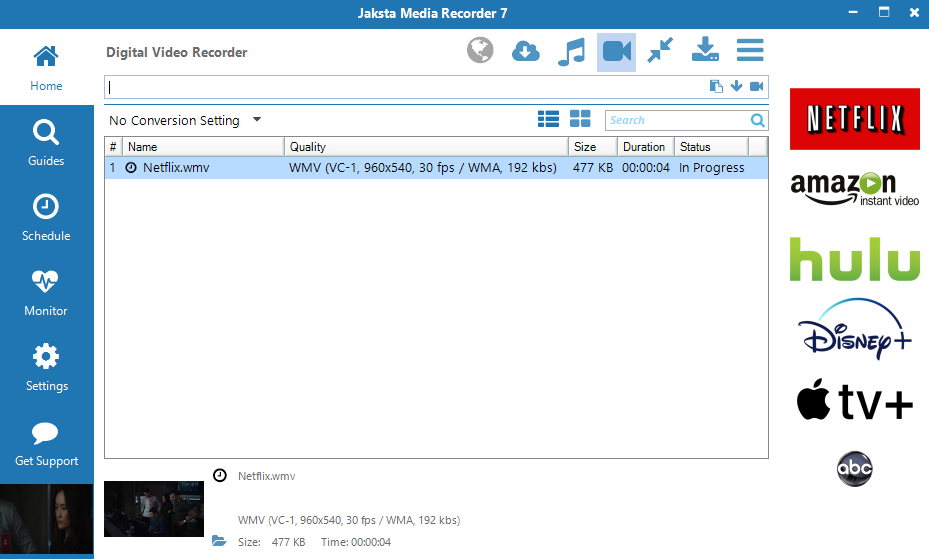
- The recording progress from ardmediathek.de will display on the Home screen along with a preview window;
- The DVR will automatically split ardmediathek.de shows into new files;
- Once the ardmediathek.de video download is complete, double click
the download entry
to watch it in your favorite video player.