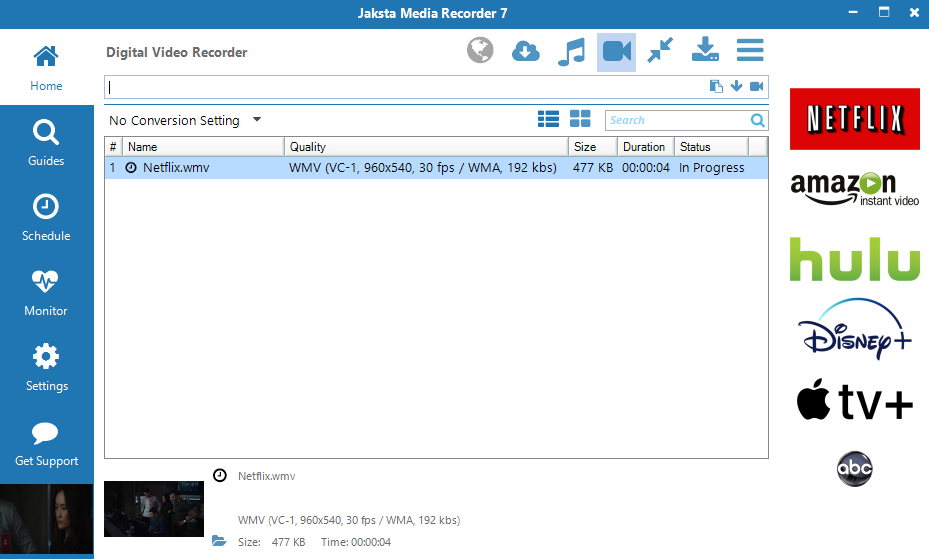
How to Download from Lynda
Download, record and capture video and music from Lynda
Step by Step Guide on How to Download from Lynda
Easy instructions on how to download, record and capture high quality video fast from Lynda.
Preparation
- Download the Jaksta Media Recorder installer.
- Install Jaksta Media Recorder by running the downloaded installer
- Once installed, start Jaksta Media Recorder from the Windows Start Menu
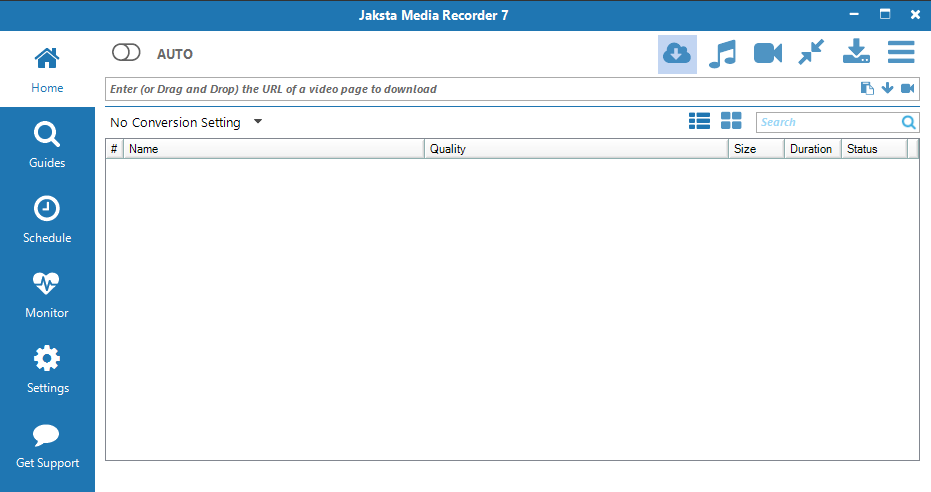
Prepare DVR Mode
- Ensure the Digital Video Recorder Capture Method is selected to capture Lynda ;
-
Open the DVR Browser;
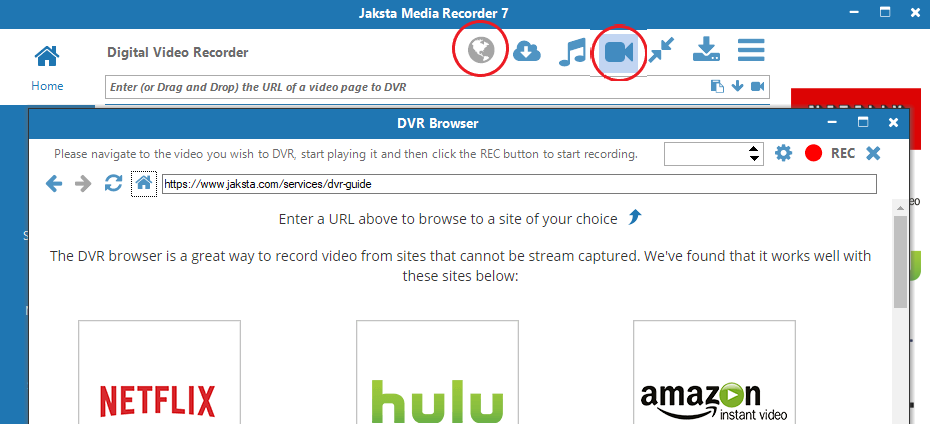
Play Lynda video in the DVR Browser
- Navigate the DVR Browser to Lynda;
- Play the Lynda video you want to capture;
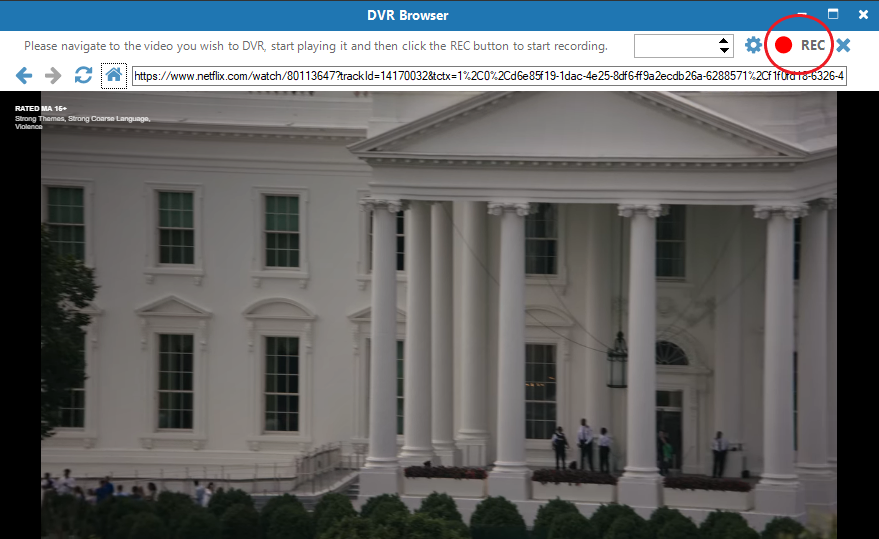
Record the Lynda video
- Once the Lynda video is playing click the REC button to begin recording Lynda silently in the background;
- The recording progress from Lynda will display on the Home screen along with a preview window;
- The DVR will automatically split Lynda shows into new files;
- Once the Lynda video download is complete, double click
the download entry
to watch it in your favorite video player.